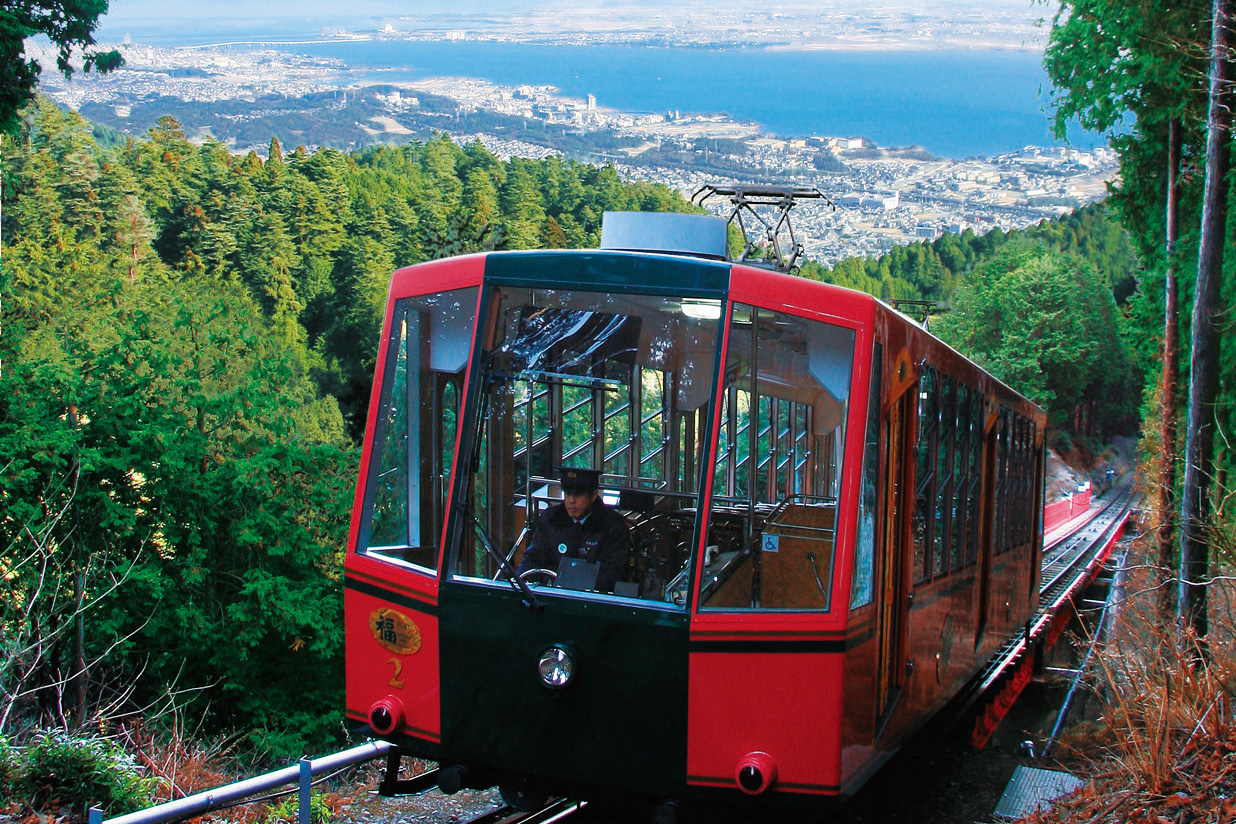
Sakamoto Cable
North central

Enter your text here. The classic editor allows you to edit text and images visually, much like writing in Word or an email.
Left Aligned
Sample image 320×240.
Centered
Sample image 320×240.
Right Aligned
Sample image 320×240.
Bold Test
Italic Test
ABCDEFGHI
Quote: Enter your text here. The classic editor allows you to edit text and images visually, much like writing in Word or an email.
Strikethrough:
Enter your text here. The classic editor allows you to edit text and images visually, much like writing in Word or an email.Quote: Enter your text here. The classic editor allows you to edit text and images visually, much like writing in Word or an email.
Enter your text here. The classic editor allows you to edit text and images visually, much like writing in Word or an email.
Left Aligned
Sample image 320×240.
Centered
Sample image 320×240.
Right Aligned
Sample image 320×240.
Bold Test
Italic Test
ABCDEFGHI
Quote: Enter your text here. The classic editor allows you to edit text and images visually, much like writing in Word or an email.
Strikethrough:
Enter your text here. The classic editor allows you to edit text and images visually, much like writing in Word or an email.Quote: Enter your text here. The classic editor allows you to edit text and images visually, much like writing in Word or an email.